Description
Veterinary Central Monitoring
Mindray BeneVision CMS Vet Veterinary Central Monitoring System
A central monitoring platform that brings patient monitors, infusion pumps, and telemetry to one station, with viewing from the office or a phone.
64
Device interfaces
240 h
Waveform storage
5
Ways to view
3
Care areas
Overview
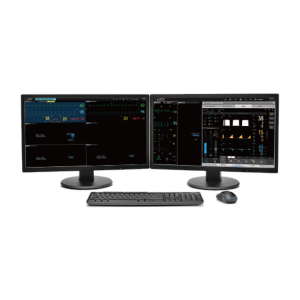
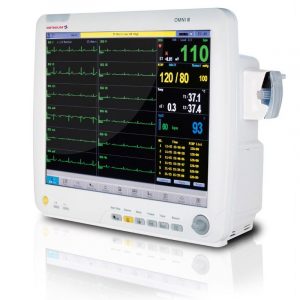
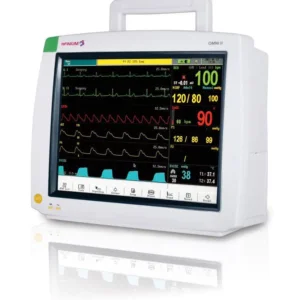
BeneVision CMS Vet is the Mindray Animal veterinary central monitoring platform. It brings data from patient monitors, infusion pumps, and telemetry transmitters to a central station, and anesthesia machines join through a connected patient monitor. Device data is patient-centered and organized for easy browsing and review.
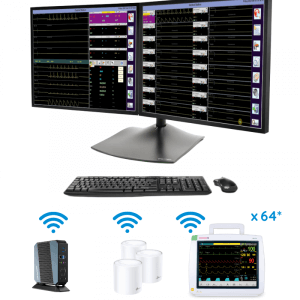
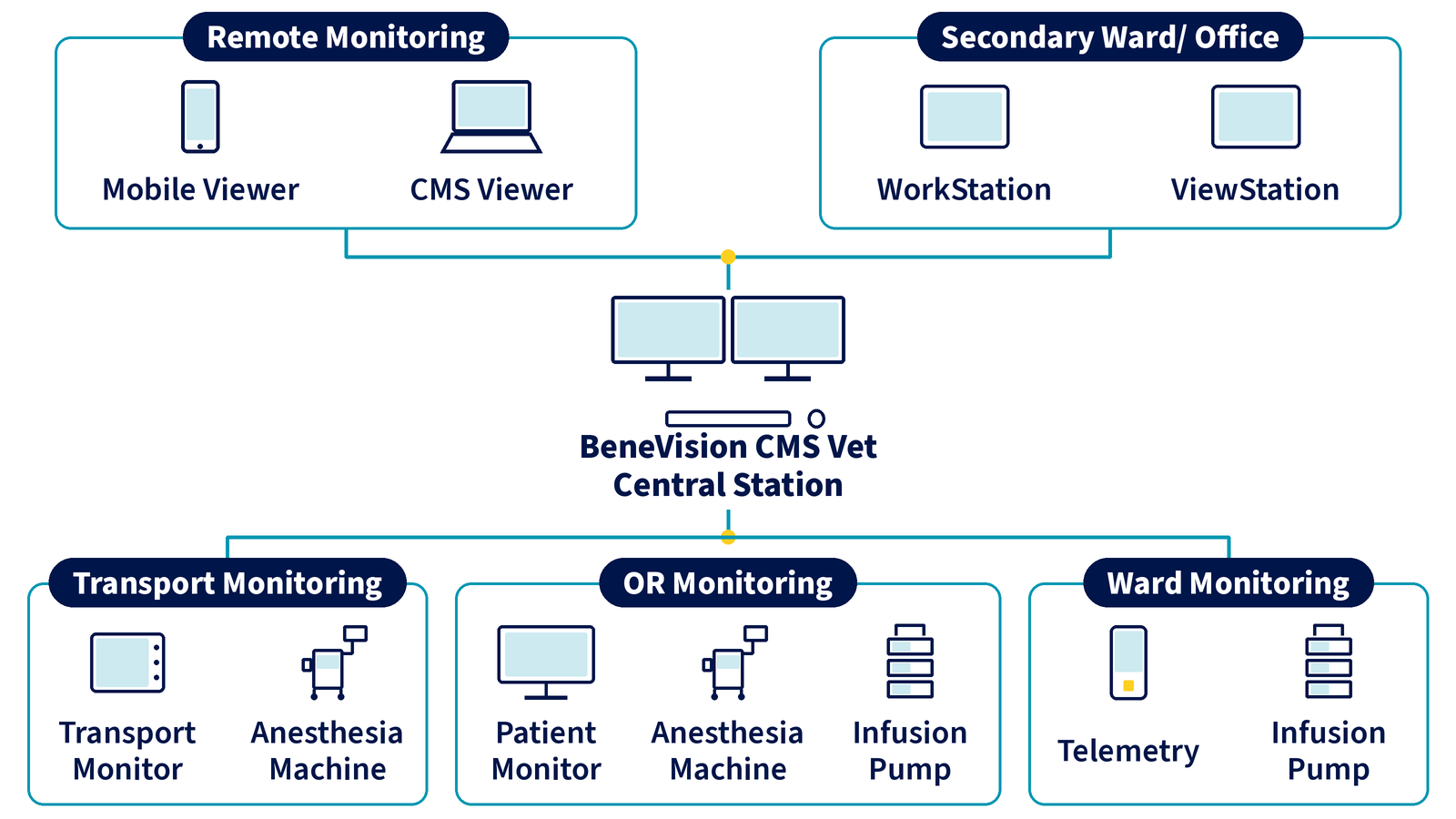
The CMS Vet can display up to 64 user interfaces from connected devices, monitor multiple statuses in real time, and store up to 240 hours of graphic waveforms. Mindray Animal shows it for transport, OR, and ward monitoring.
Five access points fit different roles: the CentralStation, a WorkStation for supervisors, a ViewStation for corridors and lounges, the CMS Viewer on an office PC, and the Mobile Viewer on a smartphone or tablet.
Key Features
Full connectivity
Patient monitors, infusion pumps, telemetry, and anesthesia machines (through a monitor) on one central system.
64 device interfaces
Displays up to 64 user interfaces from connected devices in real time.
240 h waveform storage
Stores up to 240 hours of graphic waveforms for review and reports.
Central alarm management
Alarms are managed at the CentralStation and WorkStation, with audio and visual alarms at the ViewStation.
Admit, discharge, transfer
Admit, discharge, and transfer patients and change monitoring settings from the CentralStation or WorkStation.
Office and mobile viewing
CMS Viewer on an office PC and Mobile Viewer on a smartphone or tablet.
System overview
The central station links to remote and office viewers and to devices for transport, OR, and ward monitoring.
CentralStation
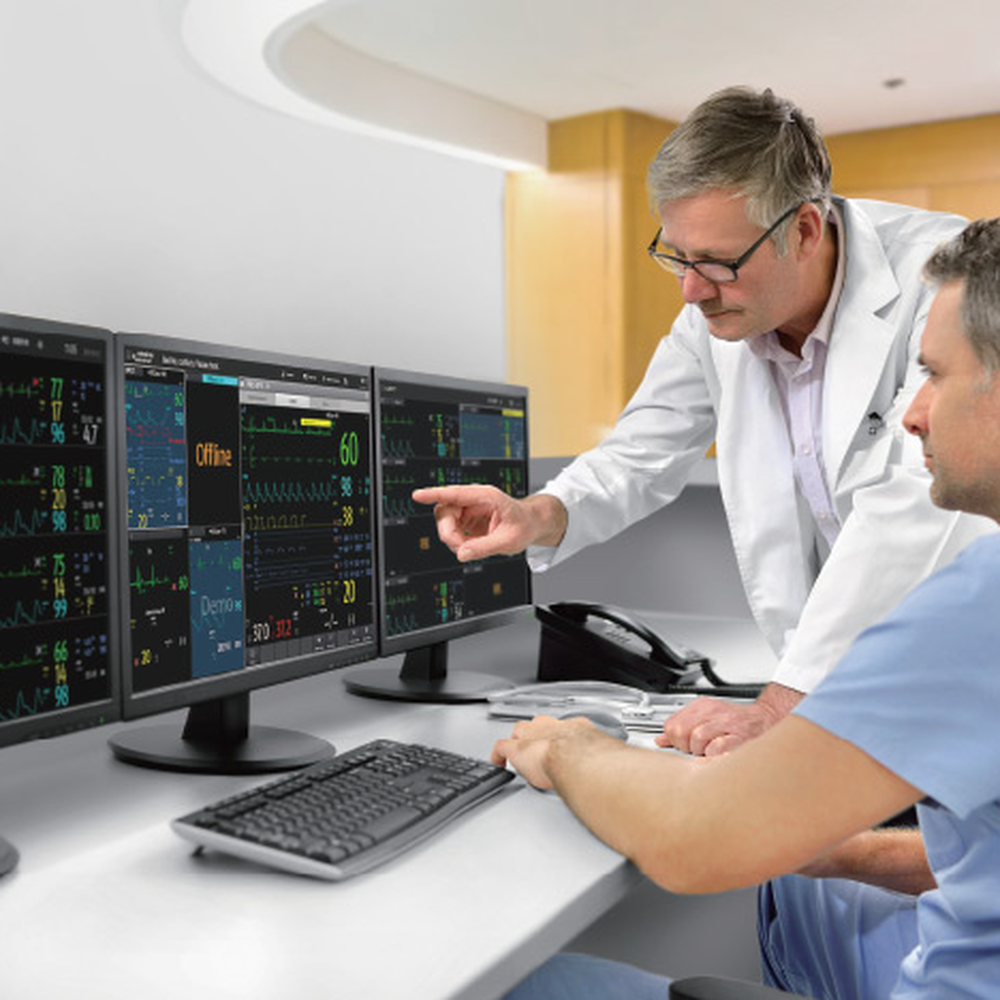
Access all bedside device data
The CentralStation connects directly to devices and stores data locally. It shows information from patient monitors and from peripheral devices, organized by patient for easy browsing and review.
WorkStation
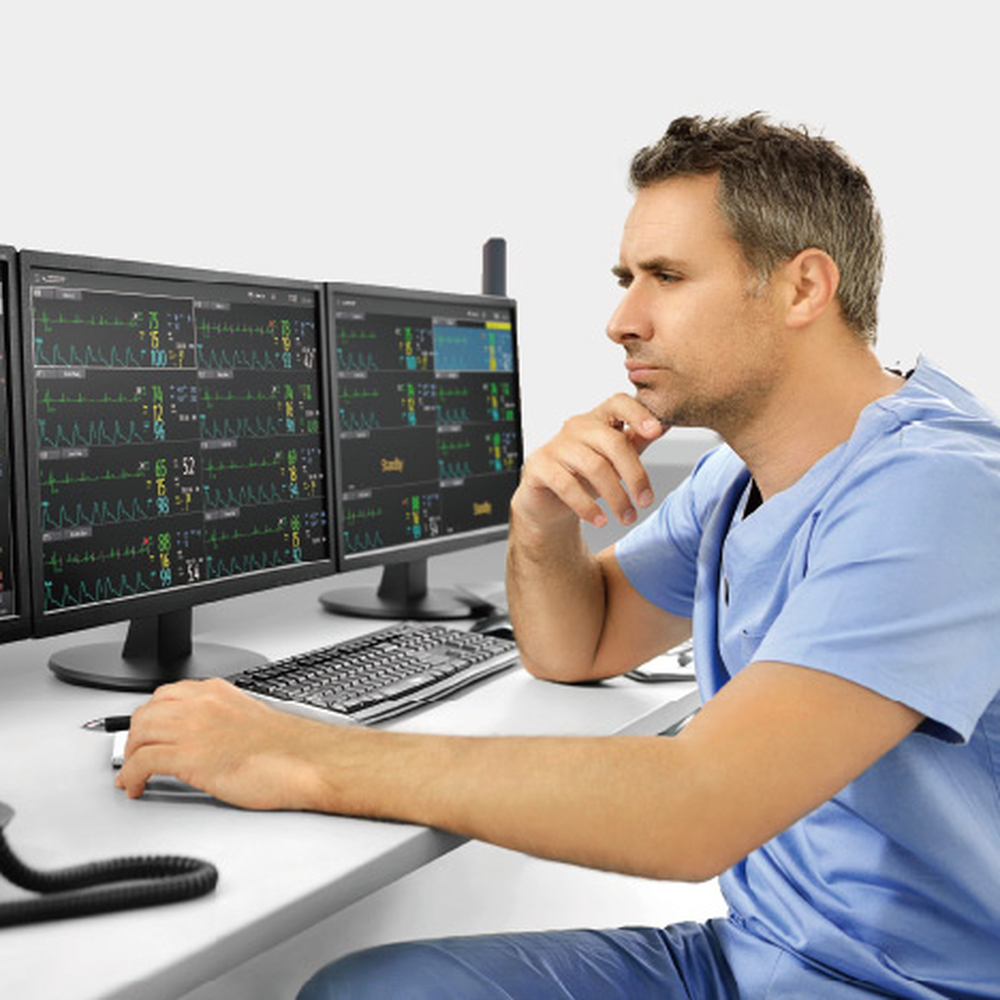
Observe patients in different departments
A WorkStation connects to CentralStations in different departments at once, so clinical supervisors can observe and review many patients at a glance.
ViewStation
Detailed patient data where it is needed
A ViewStation can go anywhere it is needed, such as a lounge or corridor. It shows detailed information for any single patient from the CentralStation and supports audio alarms.
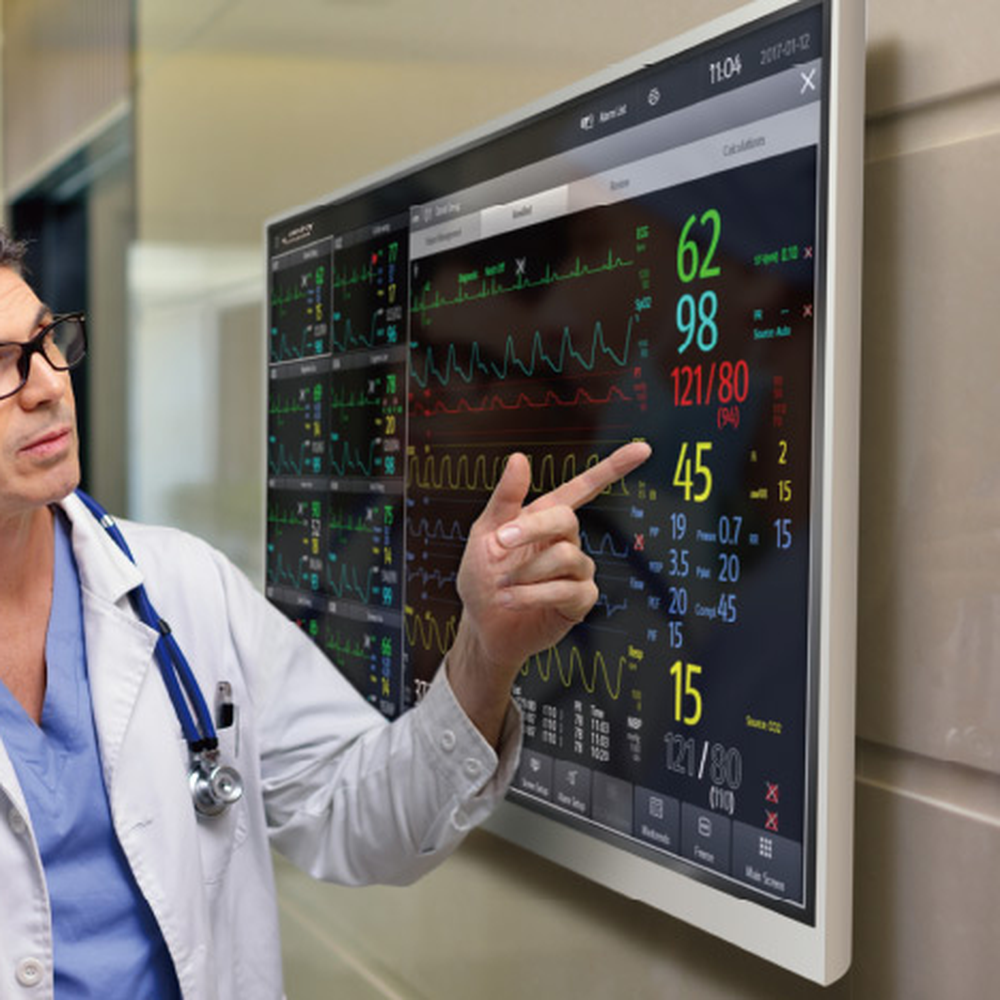
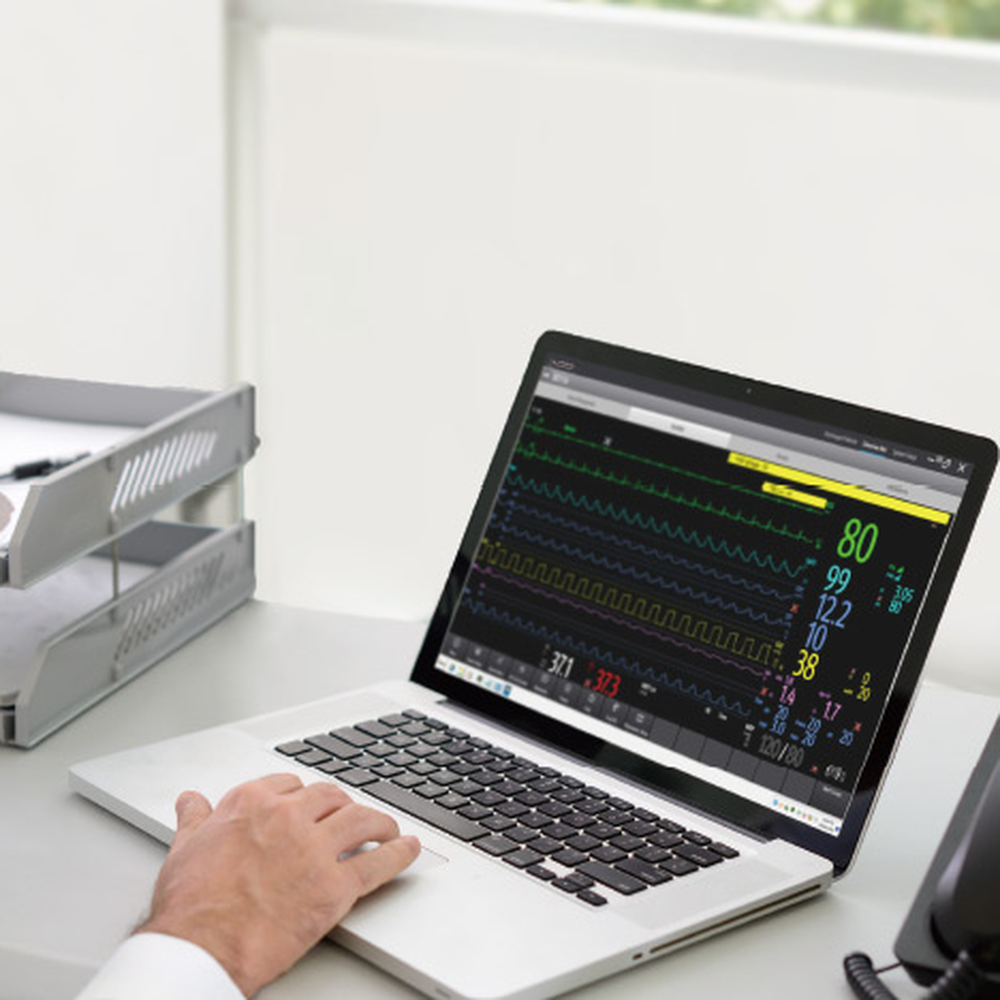
CMS Viewer
Analyze patient conditions in the office
The CMS Viewer brings patient monitoring information to an office PC, with full review functions.
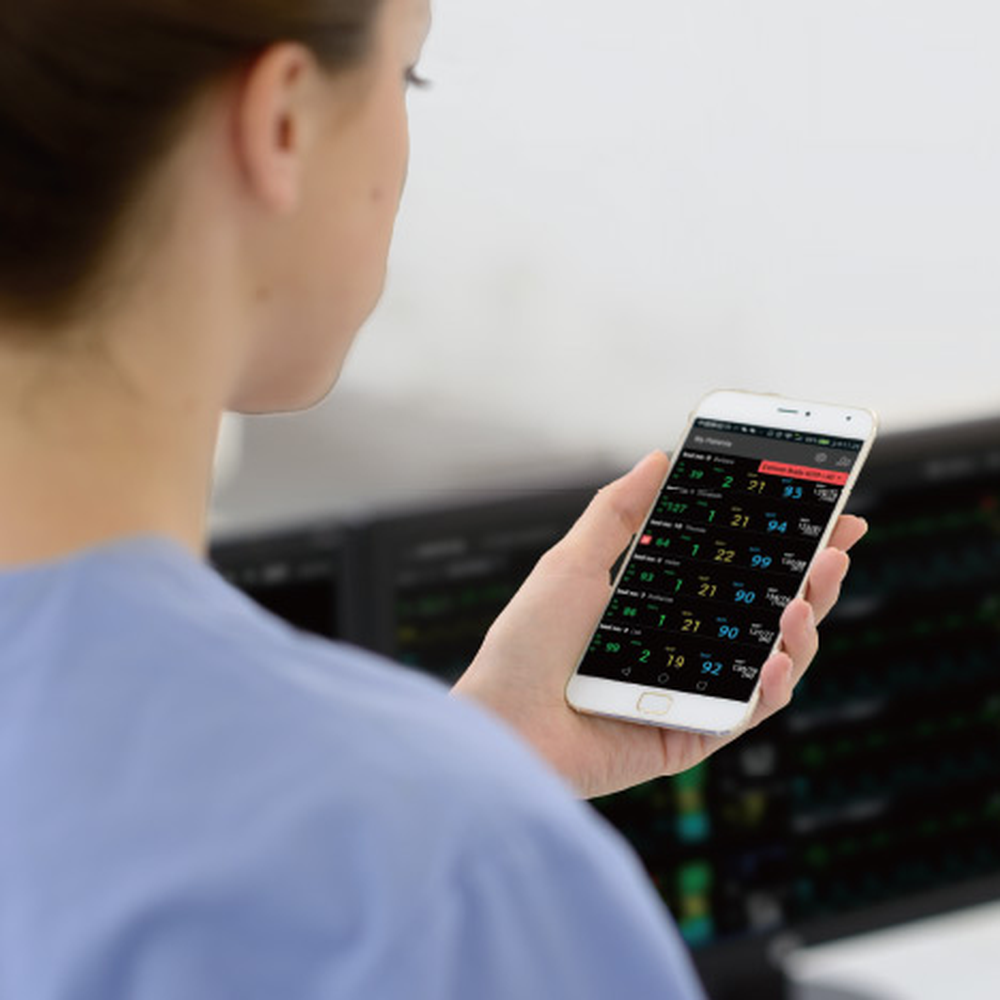
Mobile Viewer
View patients on a smartphone or tablet
The Mobile Viewer works as a portable ViewStation, giving access to patient data for clinical decisions from anywhere.
Compatible devices
Mindray Animal lists these devices for BeneVision CMS Vet.
Patient monitors and telemetry
- ePM 12M Vet
- TMS30 Vet
- BeneVision TM80 Vet
- ePM 10 Vet
- BeneVision N1 Vet
- BeneVision N15 Vet
Anesthesia machine
- WATO EX-65 Pro Vet (through the ePM 12M Vet)
Pumps
Available options
- Central station: CentralStation
- Department view: WorkStation
- Corridor or lounge view: ViewStation
- Office PC: CMS Viewer
- Smartphone or tablet: Mobile Viewer
Veterinary Applications
Mindray Animal shows BeneVision CMS Vet for transport, OR, and ward monitoring, with review from the vet office or on the go.
- Transport monitoring
- OR monitoring
- Ward monitoring
- Supervisor review across departments
- Office review on a PC
- Mobile review